
Use casesConstruction
Spec and BoQ check
The client’s bill of quantities checked line by line against the drawings, the equipment tables and the technical report, with each difference and its sources.

01
Summary
A tender package comes from several hands. The bill of quantities is priced as it stands, yet it often disagrees with the drawings and the technical report: a quantity that does not match, an item that is missing, a sheet that is not what its title says. Found after the price is fixed, each one costs money.
The Spec and BoQ check colleague compares every bill line with the items on the drawings, the equipment tables on the sheets and the requirements in the technical report. Each difference becomes a finding with both sources attached. On a school tender it found 83, among them 24 quantity differences and a missing floor plan.
02
Inputs and outputs
What goes in
- The client’s bill of quantities
- The drawings, with their legends
- Equipment tables drawn on the sheets
- The technical report
- A revised bill, when the client issues one
What comes out
- Quantity differences, line by line
- Missing and extra items
- Conflicts with the technical report
- A drafted request for clarification
- A check report in Excel, with every source
03
How it runs
Step
AI colleague
Your team
01
Pair the lines
Matches each bill line to the items on the drawings and in the tables, comparing names, sizes and units.
Sends the bill as received.
02
Compare
Counts must agree exactly and lengths within 5 %. Each difference is listed with the bill line and the sheet beside it.
Opens any finding with both of its sources.
03
Draft the question
Writes the request for clarification, one point for each finding that needs the client’s answer.
Edits the wording where needed.
04
Approve and send
Prepares the report and the drafted e-mail and stops. Nothing is sent until a named approver releases it.
Your head of bids releases it by name.
04
What changes
Task
Today
With Kintric Context
The bill
Priced as it stands
Each line checked against the drawings
Differences
Found on site, after the price is fixed
Shown with both sources before pricing
The question
Written by hand under the deadline
Drafted, one point per finding
A revised bill
Compared again by eye
Compared with the last issue
05
Checks built in
Exact counts, lengths within 5 %
Counts must agree exactly; a length may differ by up to 5 %.
Both sources attached
Every finding cites the bill line and the sheet it was compared with.
Sizes read as one
DN 25 and d25 are the same size; metres and pieces are kept apart.
06
Getting started
Send us the bill and the drawings of one tender you have already priced. We run the check on them and go through every finding with you.
Martin Studna, co-founder, is your contact.
Send drawings- The client’s bill of quantities, as a spreadsheet
- The drawings and the technical report
- The questions you sent the client, if any
Spec and BoQ check · a finished run
It drafts the question for the client.
On a school tender: 83 findings, 24 quantity differences and a floor plan missing from the package.

 /Ridgeway Mechanical/Spec and BoQ check
Spec and BoQ check· T-2614Awaiting approval
83 findings: 24 quantity differences and one missing floor plan
83findings
24quantities
2missing items
E-mail · draft
Request for clarification of the tender documents: School pavilion
- The heating plan of level 2 is missing: sheet M-202 is the same drawing as M-201 (level 1). Please send the missing sheet.
- HT connection pipe, D 40 × 1.8 mm: bill 52 m, plans 44.66 m. Please confirm which applies.
Related use cases

Take-off
Radiators, valves, fittings and pipe runs counted and measured on the drawings, each number linked to its sheet.
Submittal review
Supplier data sheets compared with what the technical report requires, with a drafted comment per deviation.
Bid inbox
Invitations, addenda, questions and quotes filed to the right tender, with the next step drafted for approval.Further reading
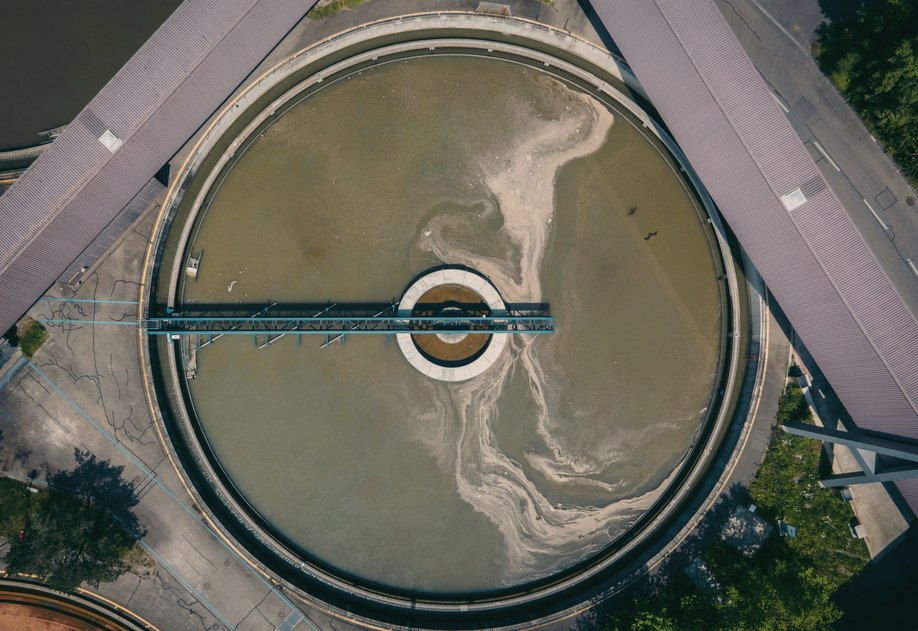
One water treatment plant, read in 92 seconds
The drawings, the equipment table on sheet D.2.1.2 and the bill, and where they disagree.Watch the film
How a pilot runs on one set of drawings
Send one real package as you have it. The colleagues read it; your engineer decides.Read more
Send us one set of drawings. We’ll show you what we find.
One set of drawings is enough to start. Martin Studna, co-founder, is your contact.