
Use casesEnergy
Brownfield register
Old scanned drawings read into an equipment register before the walkdown, every item with its confidence and the place on the scan it was read from.
01
Summary
Older plants run on scanned drawings: paper sheets scanned years ago, revised by hand, never redrawn. The equipment register is incomplete or missing, and the people who knew the plant have retired. A walkdown starts with a clipboard, a pile of old sheets and no list to check against.
The Brownfield register colleague reads the scanned sheets with text recognition, turns tags and line numbers into register rows and keeps the confidence and scan region of each. Where a newer CAD issue of the sheet exists, it marks which items both share and which to check on site. On the sample plant: 22 items from one scan, 6 to check.
02
Inputs and outputs
What goes in
- Scanned sheets, as PDF or images
- Newer CAD issues of the same sheets
- Tags and line numbers on the scans
- Any register you already have
- Sheet titles and numbers
What comes out
- Register rows from the scans
- Each row’s confidence and scan region
- Items shared with the newer issue
- Items to check on site, listed
- A walkdown register in Excel
03
How it runs
Step
AI colleague
Your team
01
Read the scans
Reads each scanned sheet in tiles with text recognition and picks out the tags and line numbers.
Sends the scans as they are.
02
Build the register
Turns each tag into a register row with its confidence and the region of the scan it came from.
Opens any row on the scan.
03
Compare with CAD
Where a newer CAD issue exists, marks which items both share and which appear on only one of them.
Decides what to check on site.
04
Approve and walk
Prepares the walkdown register and stops until a named approver releases it.
Your process engineer releases it.
04
What changes
Task
Today
With Kintric Context
Starting a walkdown
A clipboard and the old sheets
A register built from the scans
Unclear scans
Guessed, or left out
Kept with a low confidence, to check
Newer drawings
Compared by eye, if at all
Shared items marked, the rest listed
What to check
Decided on the day
Listed before you go
05
Checks built in
Every row keeps its confidence
What text recognition was unsure of stays marked for checking.
Scan region kept
Each row links to the part of the scan it was read from.
Site checks listed
Items only one of the drawings shows go on the walkdown list.
06
Getting started
Send us the scanned sheets of one older unit, and a newer issue if one exists. We build the register and go through what to check with you.
Martin Studna, co-founder, is your contact.
Send drawings- Scanned sheets of one unit
- Any newer CAD issue of them
- The register you have today, if any
Brownfield register · a finished run
A register before the walkdown.
On the sample plant: 22 items read from one scan, 6 of them listed to check on site.

 /Riverside Water/Brownfield register
Brownfield register· Riverside wastewater plantAwaiting approval
22 items from 1 scan, 6 to check on site
22items
1scan
6to check
To check on the walkdown
- HV-101Hand valveNot on the scanCheck
- LT-101Level transmitterNot on the scanCheck
- 100-SL-1006-A1Process lineConfirm on siteCheck
Related use cases

Turnover registers
Line lists, tag registers and drawing indexes handed over as data, traceable tag by tag to the sheets.
P&ID take-off
Valves, instruments, equipment and line numbers counted on every P&ID, each item linked to its sheet.
Revision control
Each new issue of a drawing compared with the last one, every change shown before and after.Further reading
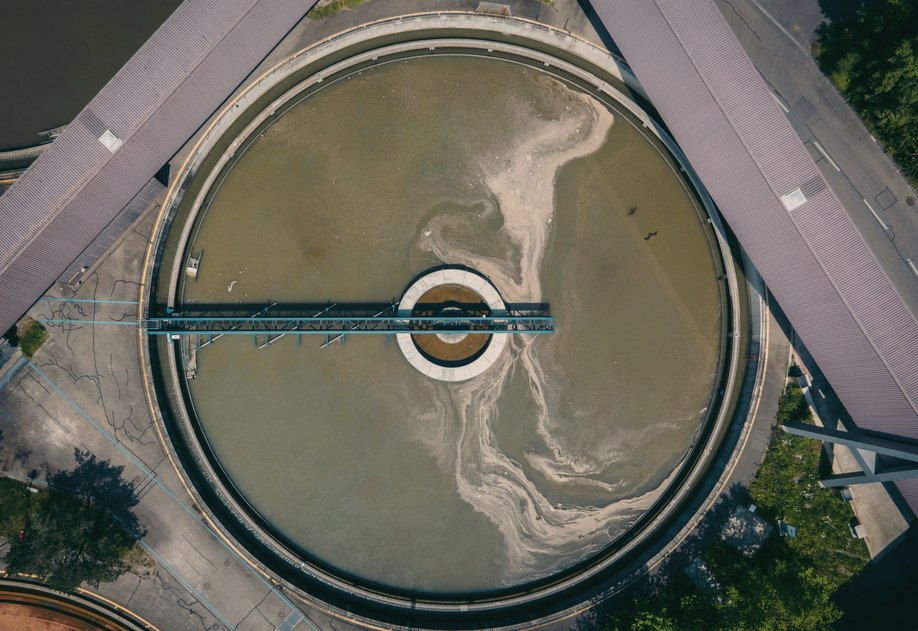
One water treatment plant, read in 92 seconds
The drawings, the equipment table on sheet D.2.1.2 and the bill, and where they disagree.Watch the film
How a pilot runs on one set of drawings
Send one real package as you have it. The colleagues read it; your engineer decides.Read more
Send us one set of drawings. We’ll show you what we find.
One set of drawings is enough to start. Martin Studna, co-founder, is your contact.